
How Roseville Arrests Work
The Roseville Police Department answers municipal calls and makes arrests inside the city. Other agencies can arrest in Roseville too. The Placer County Sheriff's Office and the California Highway Patrol both operate around the city. Adults taken into custody by Roseville officers are generally booked into the Placer County Jail system. That handoff matters. The arresting agency is not the jail keeper. Roseville Police holds the incident report. The Sheriff's Corrections Division holds the county booking entry and the current custody record.
Roseville is the largest incorporated city in Placer County, with a July 1, 2025 Census estimate of 167,302 residents. Its published activity covers traffic stops, emergency calls, calls for service, officer-led activity, incident reports, and arrests. Those reports count work, not people. Match the city event to the county booking record. A blank roster result does not erase an arrest. The person may have posted bail, signed a promise to appear, been released, transferred, or still be in intake.
Roseville Police Activity Reports
Roseville posts no named jail roster like the Sheriff's Who's In Custody service. Its crime-log reports take a different shape. Each one is an aggregate public-awareness report. It spans two weeks. You get totals for arrests, traffic stops, calls, case reports, officer activity, and incidents. What you do not get is names or booking photos. The city itself says the material is incomplete. Use it for trends. It will not tell you where a person sits right now.
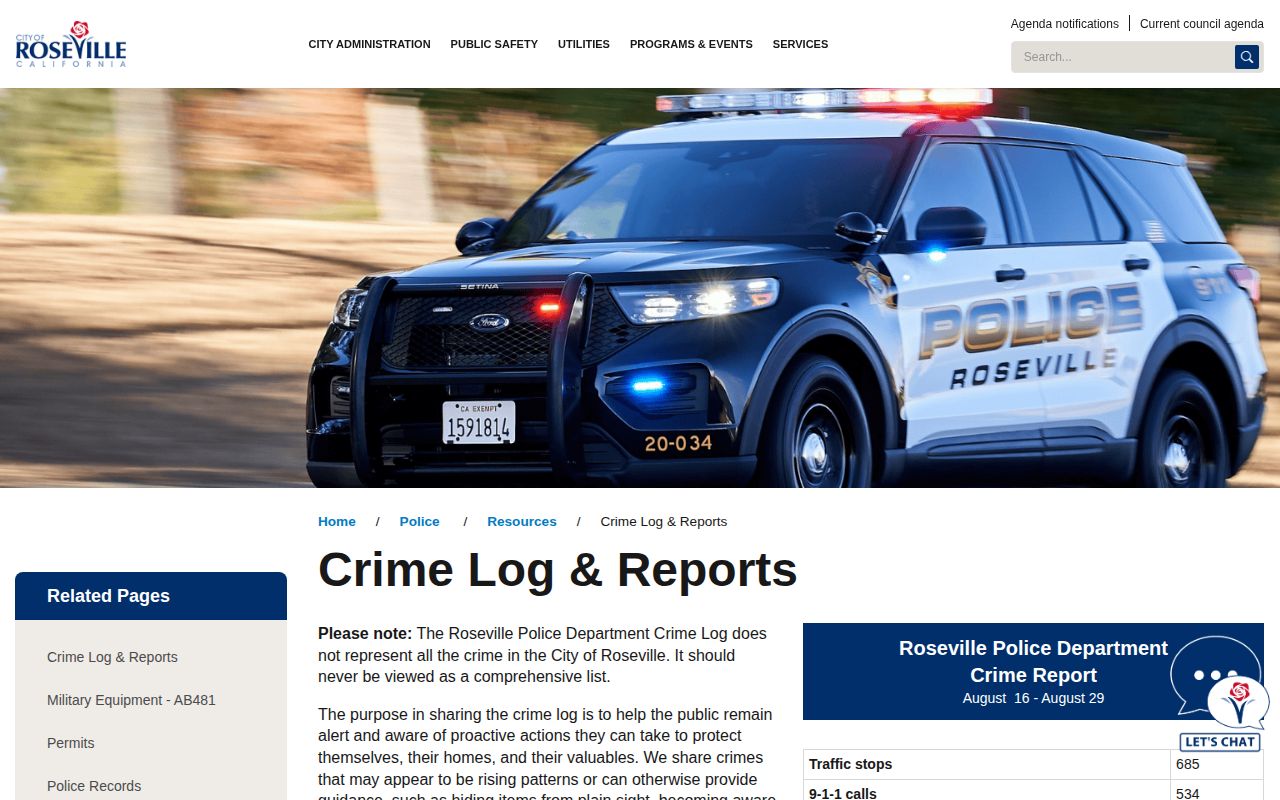
An agency activity report is not a named booking feed. For current custody, switch to the county roster.
The city's Crime and Arrest Information page sends adults booked into Placer County Jail elsewhere. Sheriff inmate information is the destination. It also warns that mapped crime data can lag while reports are finished and entered. The physical arrest comes first. Identity questions, health screening, and a photograph follow booking. Scans, fingerprints, and data entry then follow at their own pace. So a fresh arrest may not show in every public tool at once. The county's Arrested Today treatment covers that short booking-and-release window.
Where Roseville Arrests Appear
No single source answers every Roseville arrest question. Match the record to the channel. The city report covers police activity. The county portal covers active and recent jail records, while the rolling Sheriff log spans several days and news or commercial sources serve as secondary leads.
| Channel | What it covers | Photos | Authority |
|---|---|---|---|
| Roseville crime-log reports | Aggregate city police activity | No named booking photos observed | Official city source |
| Who’s In Custody | Active and recent Placer jail records | No public photo field observed | Official county source |
| Daily Booking & Release report | Same-day booking and release events | Check the live document | Official county source |
| 10 Day Arrest Log | Rolling arrest events and alleged charges | No photos in the captured log | Official county source |
| Local Crime News | Reported city-labeled arrest entries | May display profile material | Unofficial, verify locally |
| Local newspapers | Selected stories and issue-based logs | Not a routine gallery | Independent news coverage |
A city label on an unofficial record is slippery. It may mark a home city. It may instead show a reported location, the arresting agency, or an entry drawn from another county. Check the booking number, arresting agency, completed arrest time, and current status in the official Placer source. That county record wins.
Note: The county roster describes custody at search time, while an arrest log records an event and stays useful after release.
Find Someone Arrested in Roseville
Use the full name, date of birth if known, and the likely arrest date, and do not assume a news label means Roseville Police made the arrest. Names alone are not enough. Give a fresh event time for intake and public data entry. Then compare identifiers across the city and county records.
- Check the Sheriff’s Who’s In Custody portal by name, date of birth, inmate number, or booking number.
- Use the booking-log choices to review recent entries, then read custody status instead of treating a booking as proof that the person remains held.
- Check the Sheriff’s daily Booking & Release report for same-day movement and the 10-day log for a wider reported-arrest window.
- Consult Roseville’s aggregate report only for agency activity context. It is not a person search.
- If the record is missing or older, ask Roseville Records for the police incident report and Sheriff Records for the jail booking record.
The county’s recent-arrest hub breaks down the roster, booking-photo limits, and custody channels in far more depth. A rolling city search works best there. Start with the official county record rather than a copied profile. Save the date of each search, too, since custody status can shift fast.
A booking number beats a name every time. Names get typed with odd spacing, middle initials, or aliases, while a number points to one arrest event. Two people can share a name in Roseville, after all. Before trusting a row, compare date of birth, booking time, arresting agency, and charge details. Skip eye and hair color as identifiers. Those fields are entered inconsistently and are never unique.
A Roseville warrant arrest can still appear in the log. Even with no new jail stay, the 10-day entry explains the date and place of the arrest. That gives the event context. Current custody still needs a separate check. For a filed criminal case, turn to Placer Superior Court.
Roseville Police Arrest Records
Roseville police reports go through the city's Records Unit. Release depends on the type of record. The confidentiality rules attached to it matter too. Arrest details may turn confidential once the applicable public period ends. A clear request speeds things up. Name the date, location, arresting agency, officer if known, and report number. State whether you want an incident report or a different defined record. Do not expect a booking photo in it. The city's Records Unit page is the official starting point.
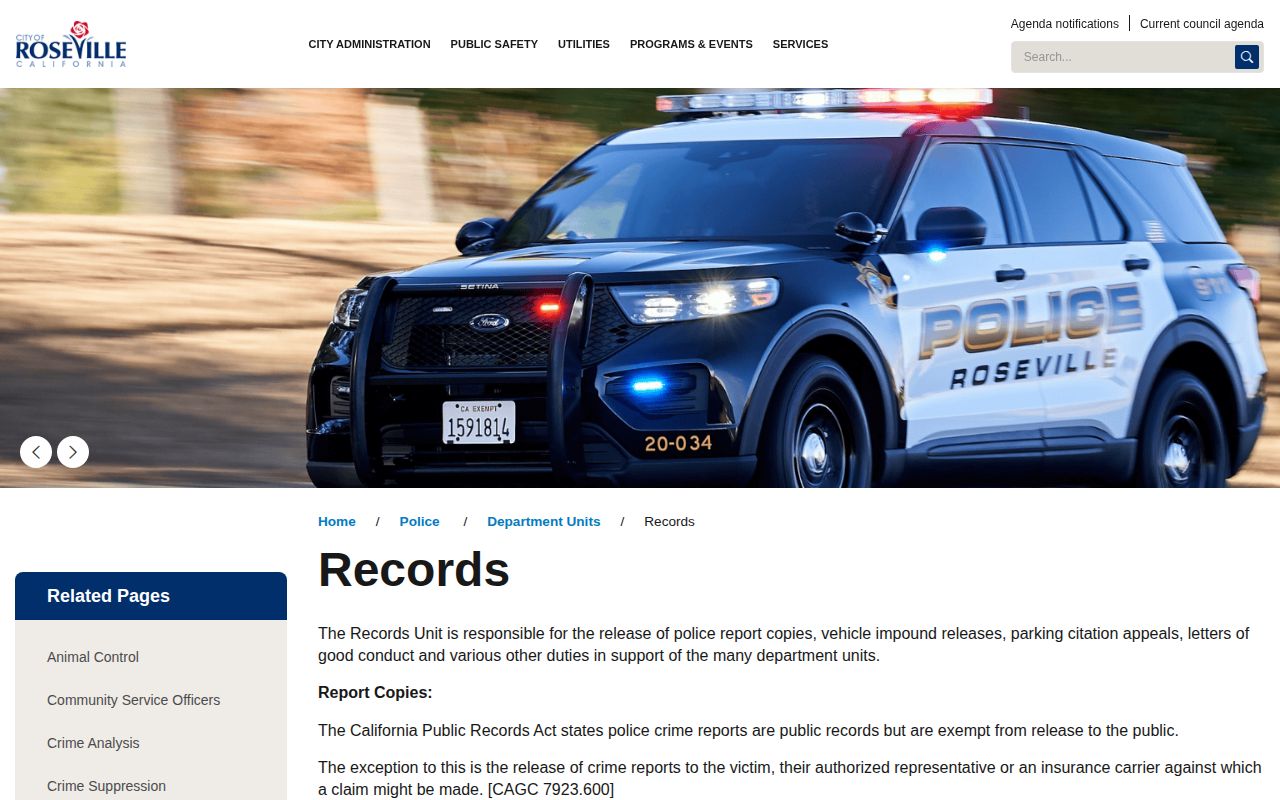
This channel sits apart from the Sheriff’s Public and Records Unit. That unit handles county jail records. It also takes custody requests. The city keeps its own file.
Roseville Police Department
1051 Junction Boulevard
Roseville, CA 95678
Main: 916-774-5000
Records: 916-774-5030
Non-emergency dispatch: 916-786-6444
Placer County jail records are a Sheriff matter. That Public and Records Unit sits at 2929 Richardson Drive in Auburn. Call 530-889-7812 on weekdays during business hours. The Sheriff FAQ treats another person's booking photo as generally exempt or restricted. To request your own booking image, appear at a jail with government identification. Expect holds too. An active investigation, juvenile status, privacy law, or criminal-history limits can keep material back.
When Roseville Bookings Post
Booking is a process, not a single upload. Placer's inmate rulebook lays out the steps. Staff ask identity and health questions, then take a photograph, body scan, retina scan, and fingerprints. They also match charges, agency data, and custody status to the right person. A booking row can trail the street arrest. The county portal shows active or recent records, though public materials promise no fixed number of minutes before a Roseville arrest appears online.
Release creates its own mismatch. A name can linger in a booking log after the person is out of custody. A same-day report holds both events, so its row is not proof of current detention. VINE tracks custody changes for a matched person. The jail line handles urgent identity or status questions. Whenever you cite a record, keep the official generation time attached to your conclusion.
- Booking
- The intake and record-creation process after an arrest.
- Custody status
- Whether the person is shown as held, released, or moved when the source was checked.
- Disposition
- The court’s later result, which may differ from the charge stated at booking.
Roseville Police News Context
Beyond official sources, Local Crime News runs a Roseville section, and its separate Roseville Police agency page lists reported arrests and cited code sections. Neither page is official. The city section can also mix county labels from Placer, Sacramento, Orange, and beyond. Treat each entry as a lead. Then verify identity, source date, current custody, and court outcome.
Gold Country Media carries the Roseville Press Tribune and other regional papers. Its crime coverage leans text-first and ties to specific issues. The Sacramento Bee follows selected Roseville and Rocklin cases, often drawing on police releases, jail records, or later court reporting. None of them is a full daily booking database. Newsrooms pick and choose. Routine arrests can slip through, and an old item can linger after custody or charges change.
Read in a safe order. City report first, county booking source second, court outcome last. Booking photos are not reproduced here. If an unofficial page displays one, treat it as a pointer to the originating record. Never read current custody from the image.
A Gold Country article can preserve a public report after a rolling government feed changes. The story is still not the official record. Match its agency and date against the city report, county log, or court case. Later corrections deserve the same care. Keep a corrected name or charge beside the first item. Repeating an outdated claim spreads confusion.